Deck, Notes, News and Bookmarks for your Nextcloud, in one Android app.
Works offline, signs in straight to your server and sends your data nowhere else. Free, with no ads and no tracking.
Free, no ads
Android 12 or later
Works offline
Four apps, one place
The Nextcloud apps you use, made for your phone
Each module works on its own, so you only need the server apps you use.
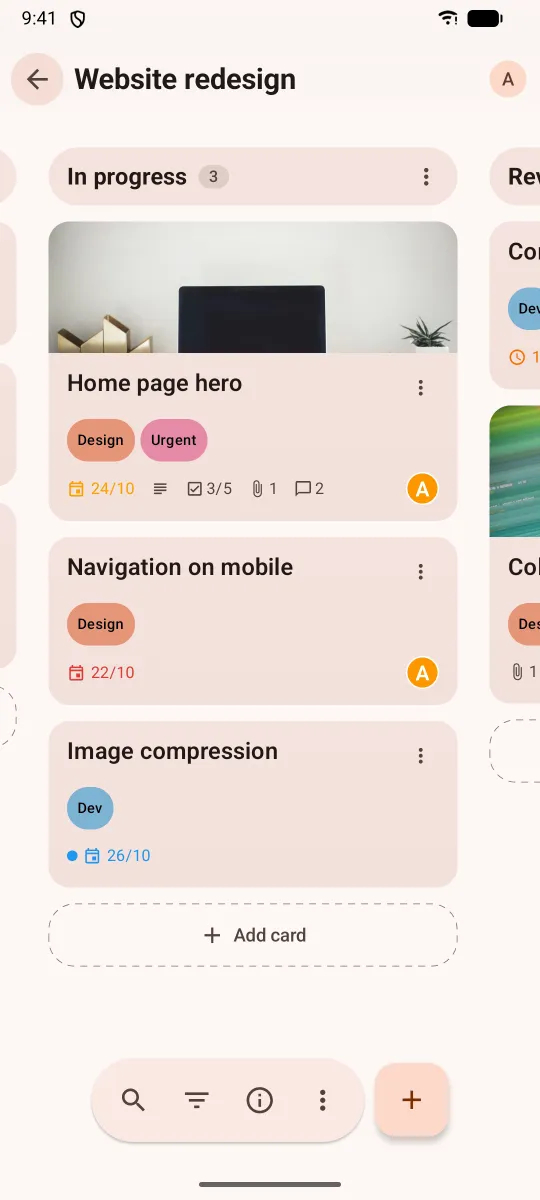
Deck
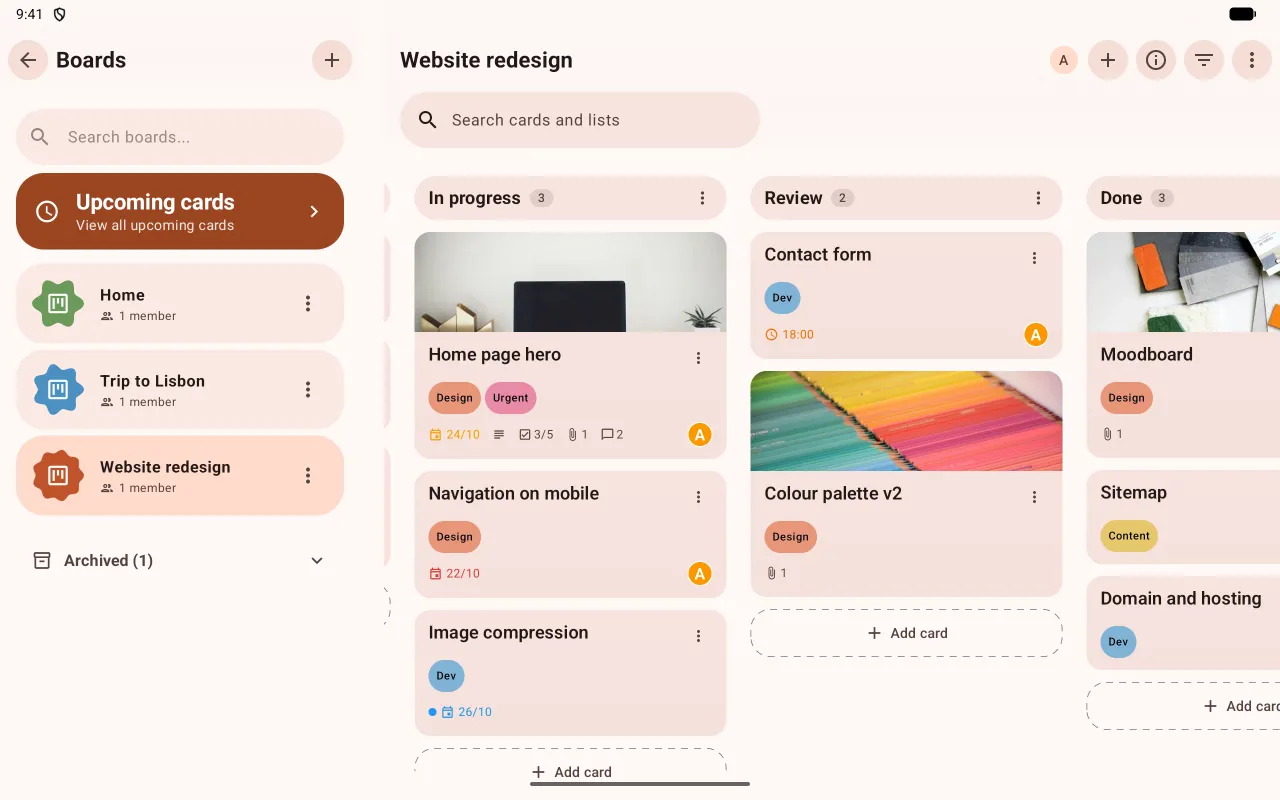
A kanban board in your pocket
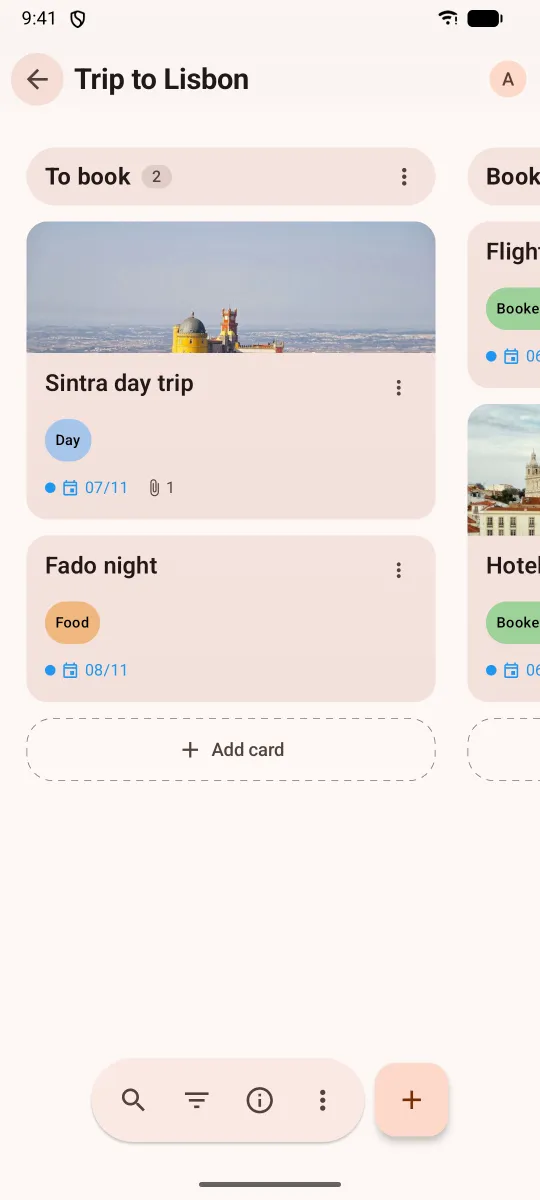
Boards with lists and cards you can drag and reorder
Labels, due dates, assignees, checklists, attachments and comments
Upcoming: everything that's due, grouped into overdue, today and the next few days
Card cover photos
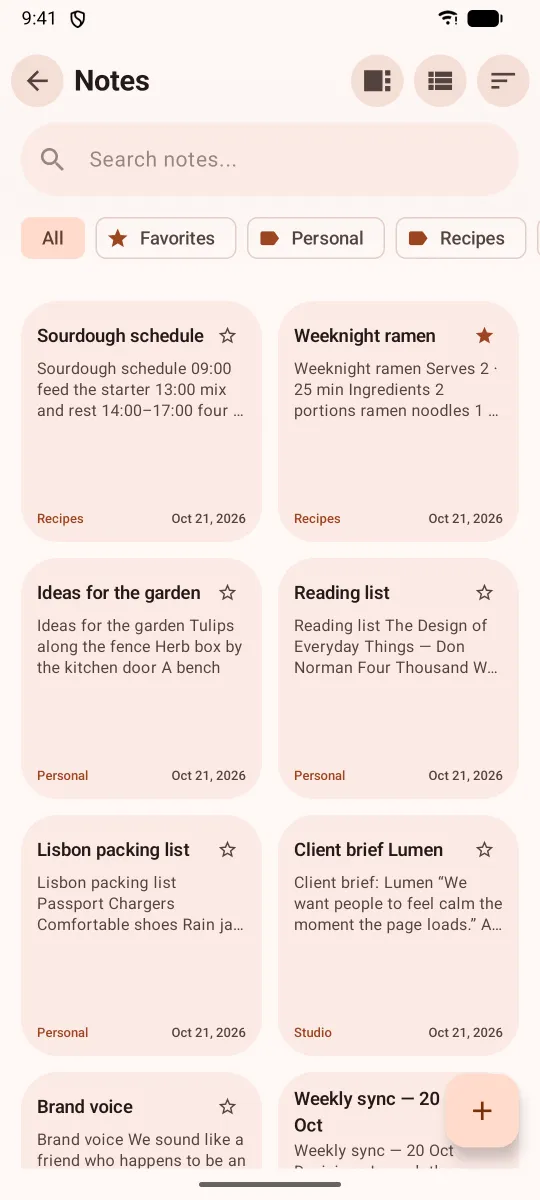
Notes
Markdown notes, found fast
Markdown notes with categories and favourites
Fast search across all your notes
Several list styles to browse the way you like
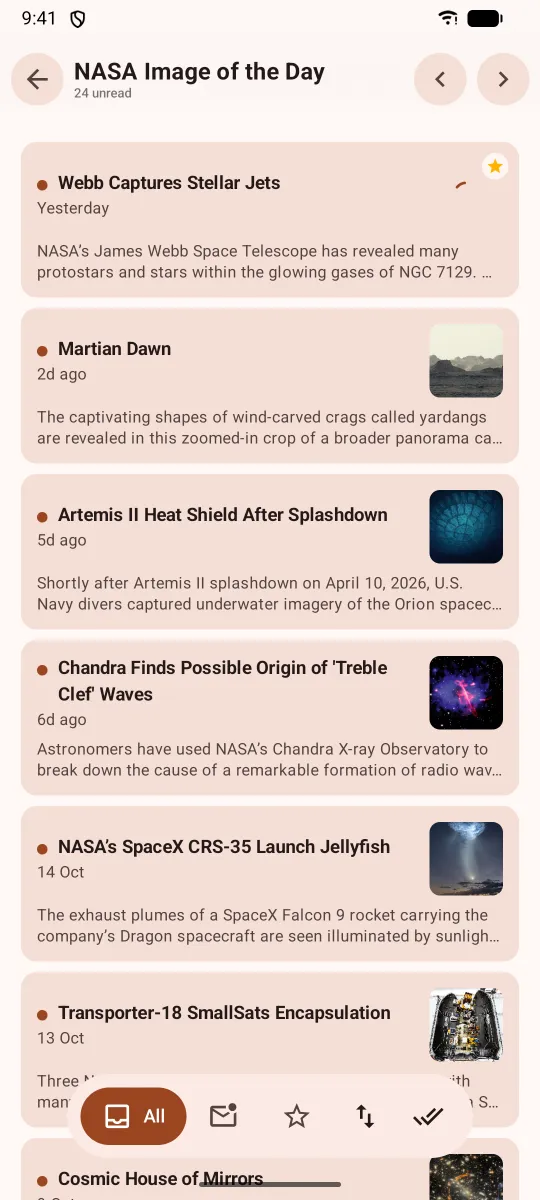
News
An RSS reader with no algorithm
Your feeds and folders from Nextcloud News
Unread and starred articles, marked as read as you scroll
Rename, move or unsubscribe from feeds without leaving the app
Bookmarks
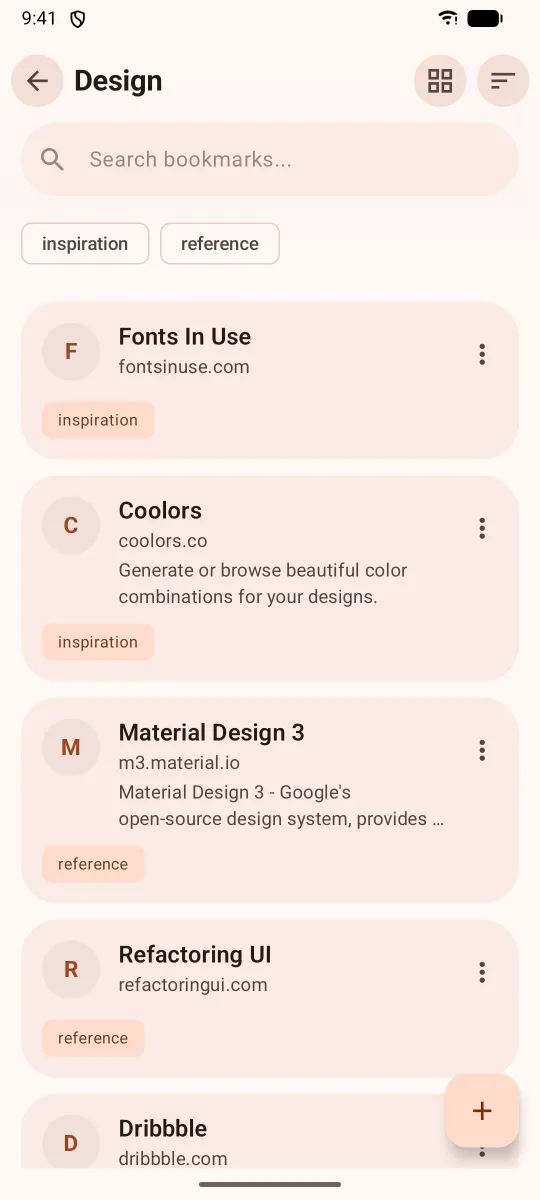
A bookmark manager that syncs
Folders, tags and search, with the site icons your server stores
Find duplicates and broken links
Share bookmarks and folders
Built for self-hosted servers
Your server, your network, your rules
Made for the Nextcloud you run yourself, at home or anywhere else.
Works offline
Create and edit cards, notes and bookmarks without a signal. Your changes upload when the network comes back.
Sign in your way
Straight to your server through the browser with Nextcloud's Login Flow, with your username and password, or by scanning a QR code.
Self-signed certificates
Install your own CA on the phone and the app trusts your server. Plain HTTP works on your local network. How to install a certificate
Your data stays yours
Your cards, notes, bookmarks and feeds go between your phone and your Nextcloud, nowhere else. No account with us, no ads, no tracking, no analytics. Privacy policy
Made for Android
Share from any app into a card, a note or a bookmark